|
|
|
|
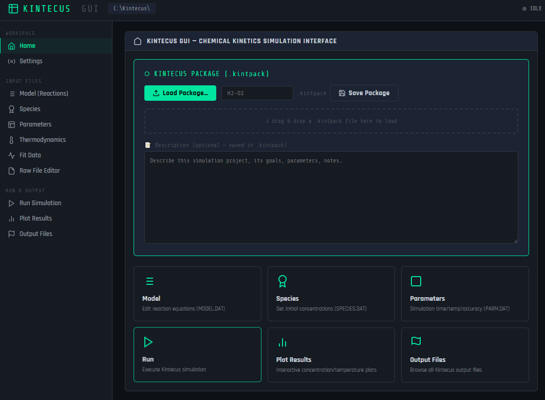
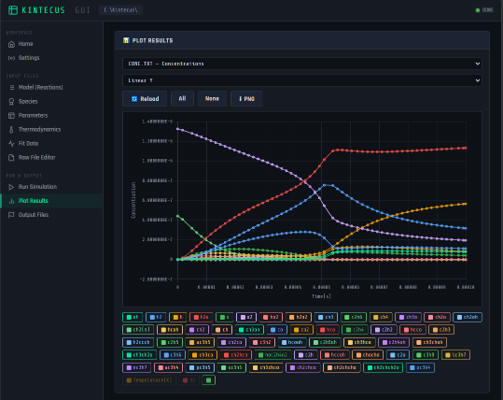
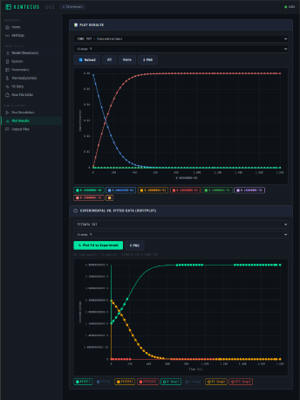
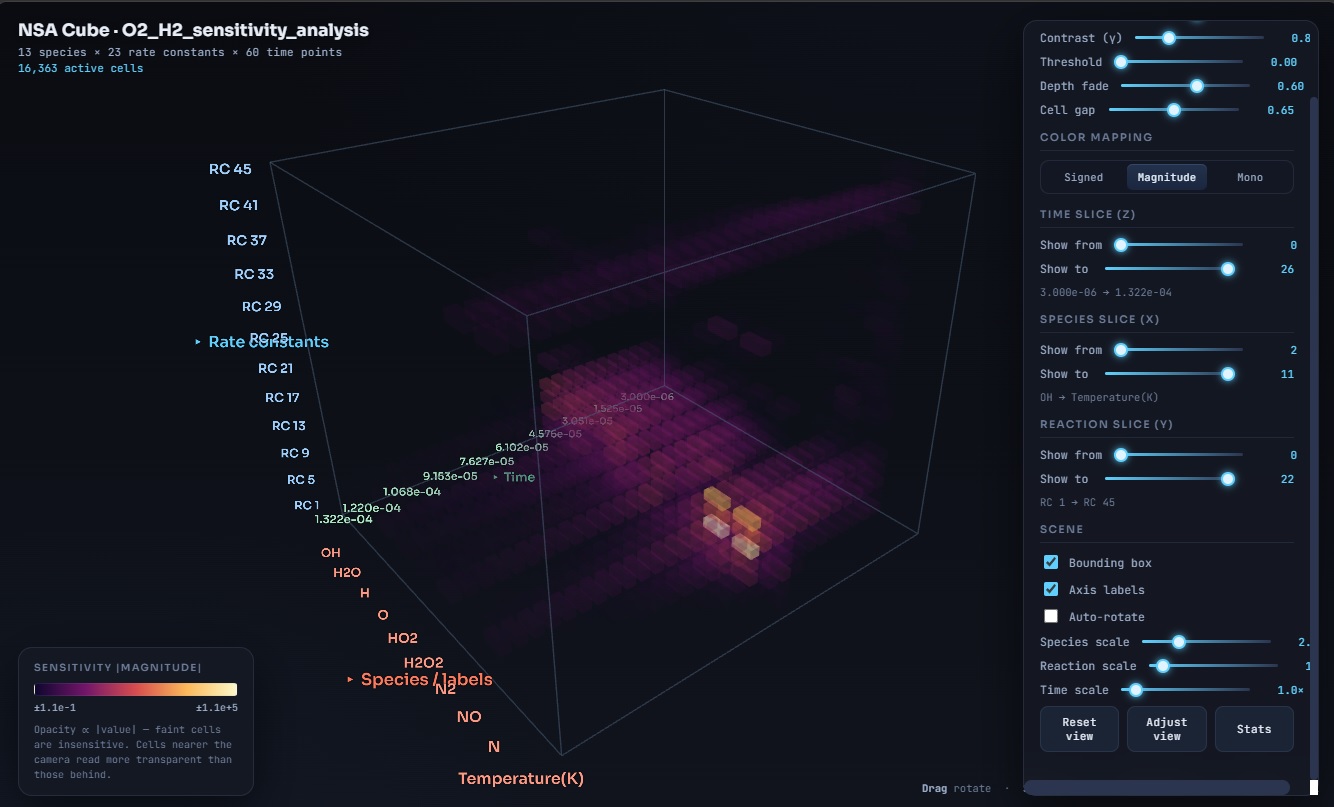
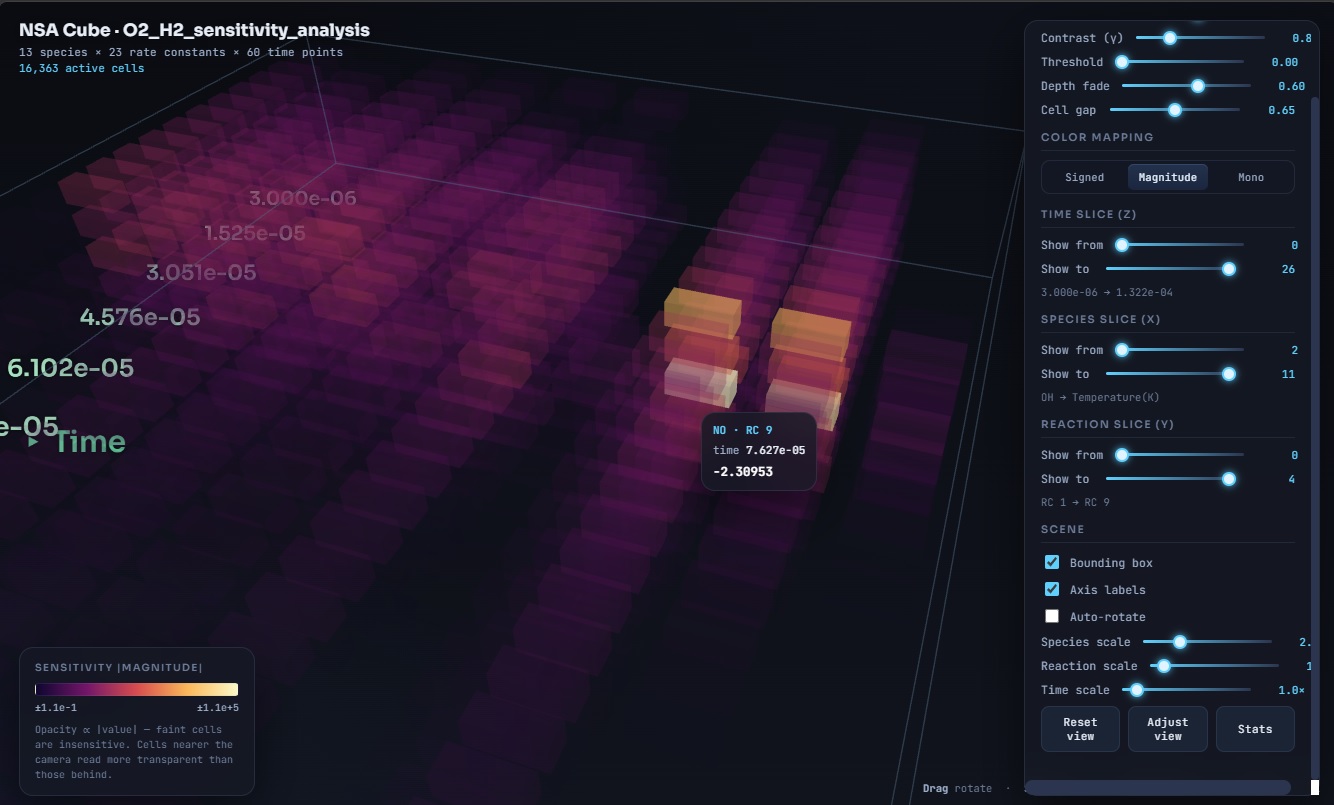
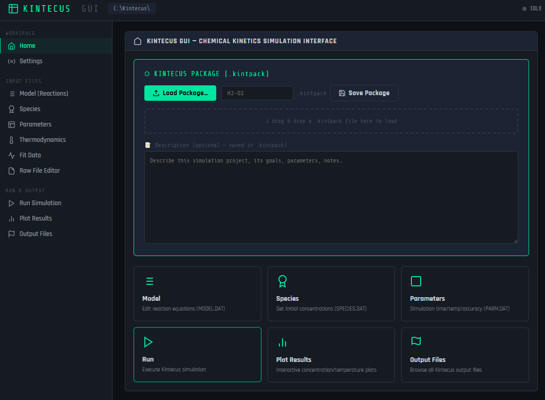
July 2026 - A new Kintecus GUI that does NOT NEED Excel. This Kintecus GUI is
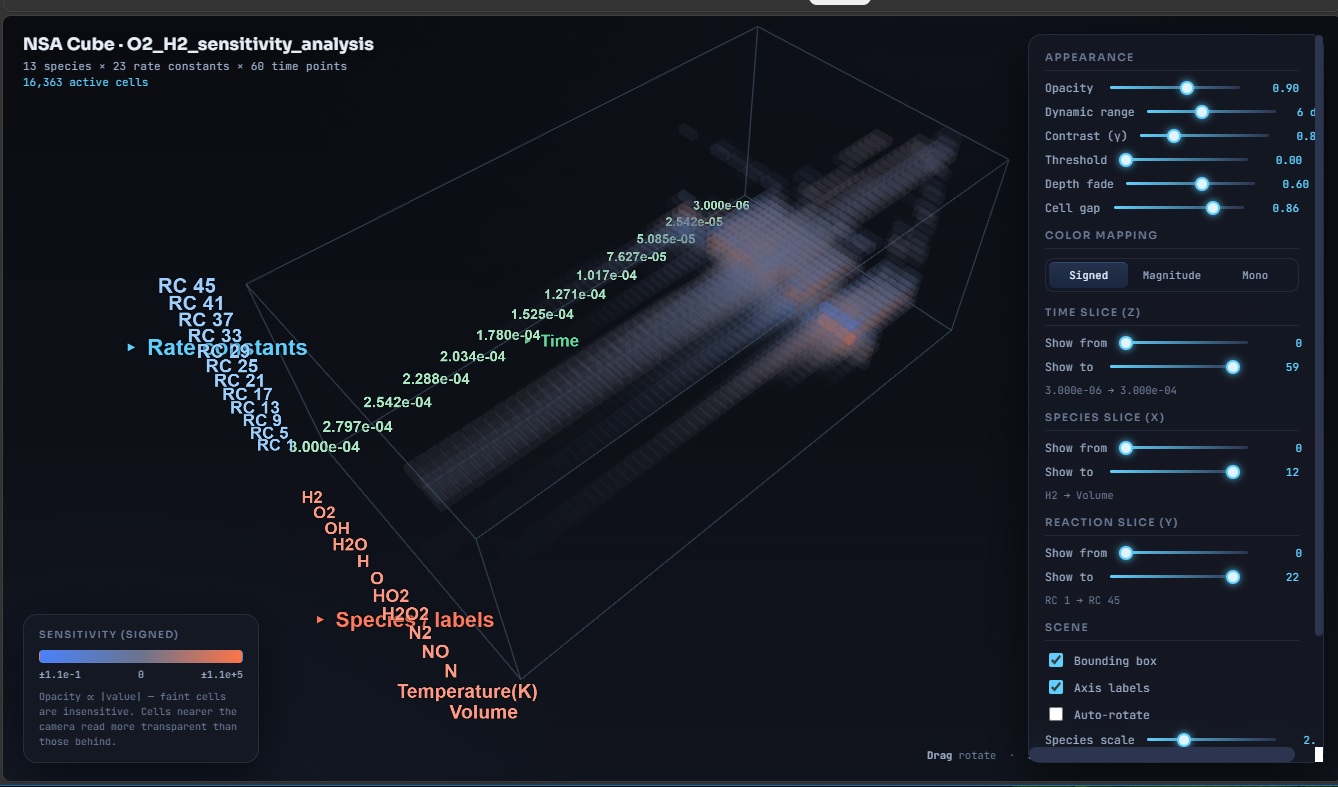
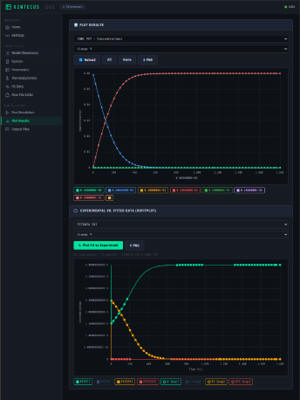
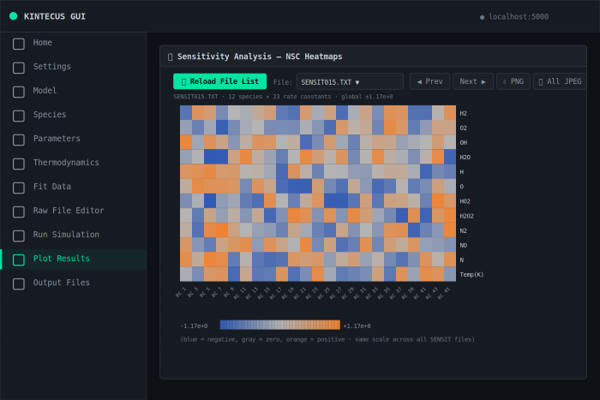
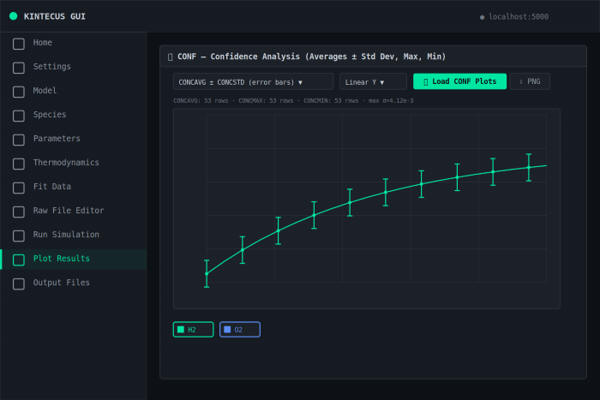
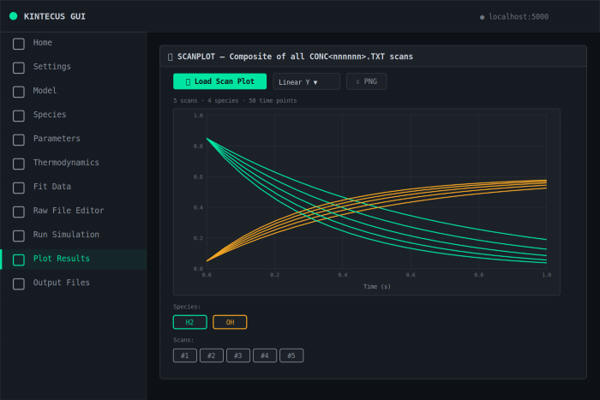
completely self contained ! (note this also contains the 3D_NSA_VIEWER executable). Videos demonstrating some of the capabilities of the stand-alone Kintecus GUI:
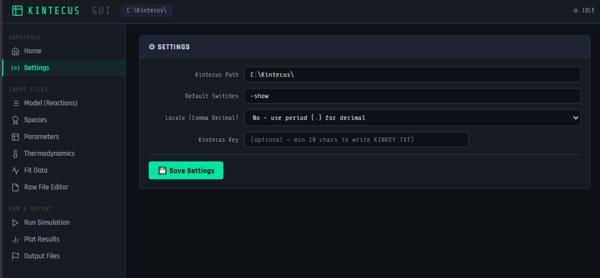
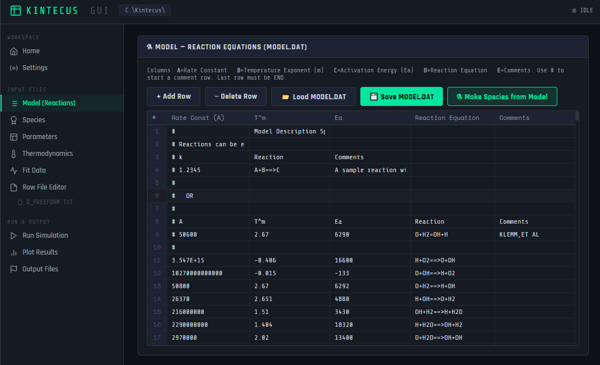
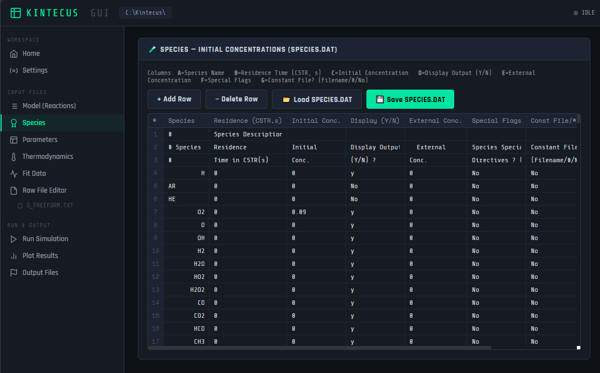
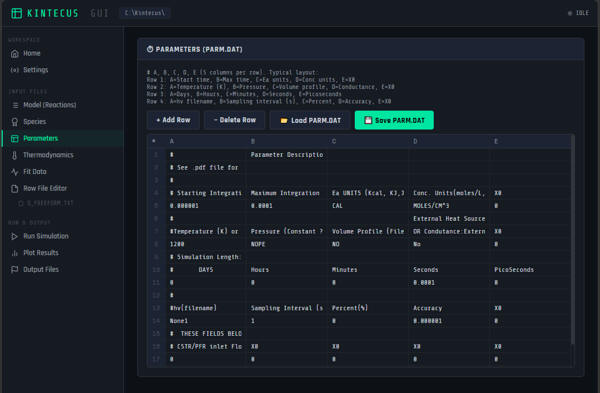
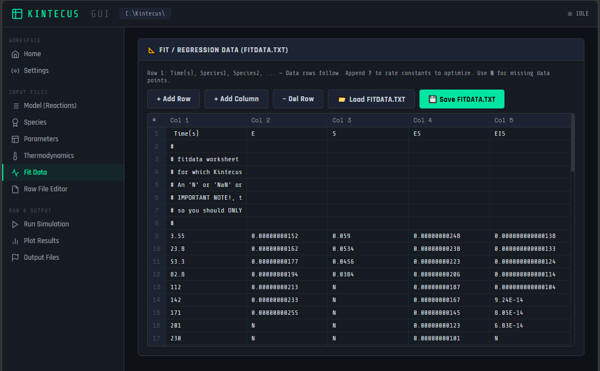
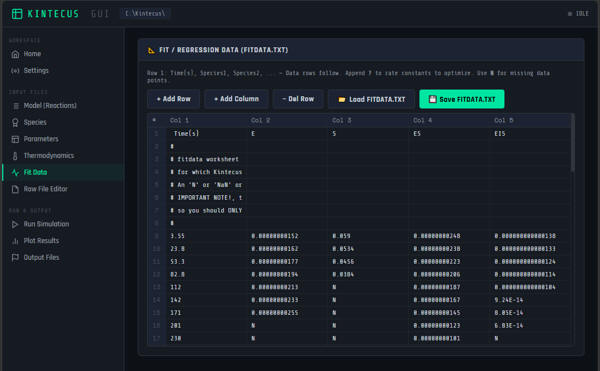
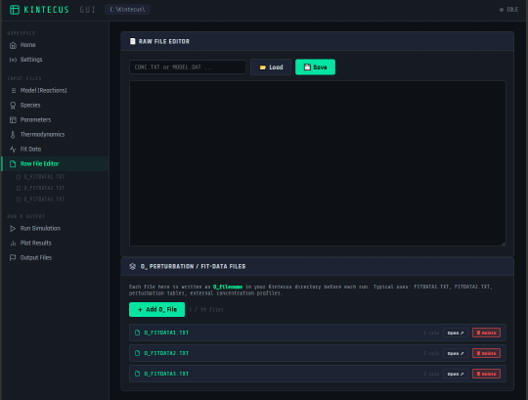
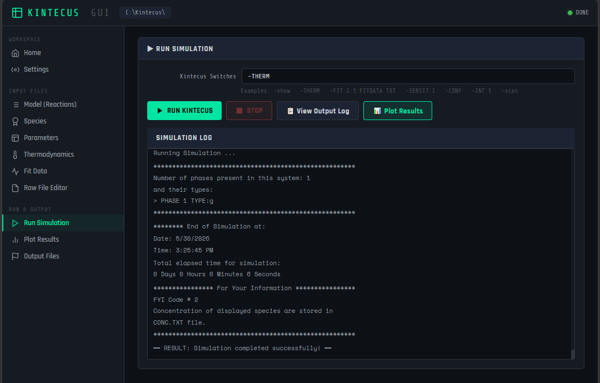
14. Convert Kintecus-Excel to KintecusGUIThe entire Kintecus-Excel Worklbook can be stored in the Kintecus GUI. Start in the Kintecus-Excel Workbook, click “RUN” (assuming you have a Kintecus Unlocking Key) on the CONTROL worksheet and then press “CTRL-C” or “CTRL-BREAK” or close the scrolling text windows that pops up. When one clicks “RUN”, yhe VBA macros in the Kintecus-Excel workbook will automatically output the tab-delimited text files, MODEL.DAT, SPECIES.DAT, PARM.DAT, THERM.DAT, TRANSPORT.DAT, fitdata.txt and any worksheet that starts with “O_<name>” as also tab delimited text file(s) <name>. Now one just has to manually load each of these files into the KintecusGUI. One can now go in the KintecusGUI and click on the “Model Page” and click the “LOAD MODEL.DAT” button and the entire model file will be loaded into the grid. Now go in the “Species Page” and click on the “LOAD SPECIES.DAT” button and the entire species file will be loaded. Do this for the “Parameters” page, Thermodynamics (if appropriate), Fitdata. The text files <name> that were outputted can each individually be loaded as described in the “O_ Perturbation / Fit-Data Files (bottom section)”. Don’t forget to copy the Kintecus command line options and comments into “Settings” page and the “Run Simulation” page ! One can now save the entire system as a “kintpack” file for easy loading, modifying and running.
|
|